

How to add pages to your website
In this article, you will learn how to add a new page to your website.
Step 1
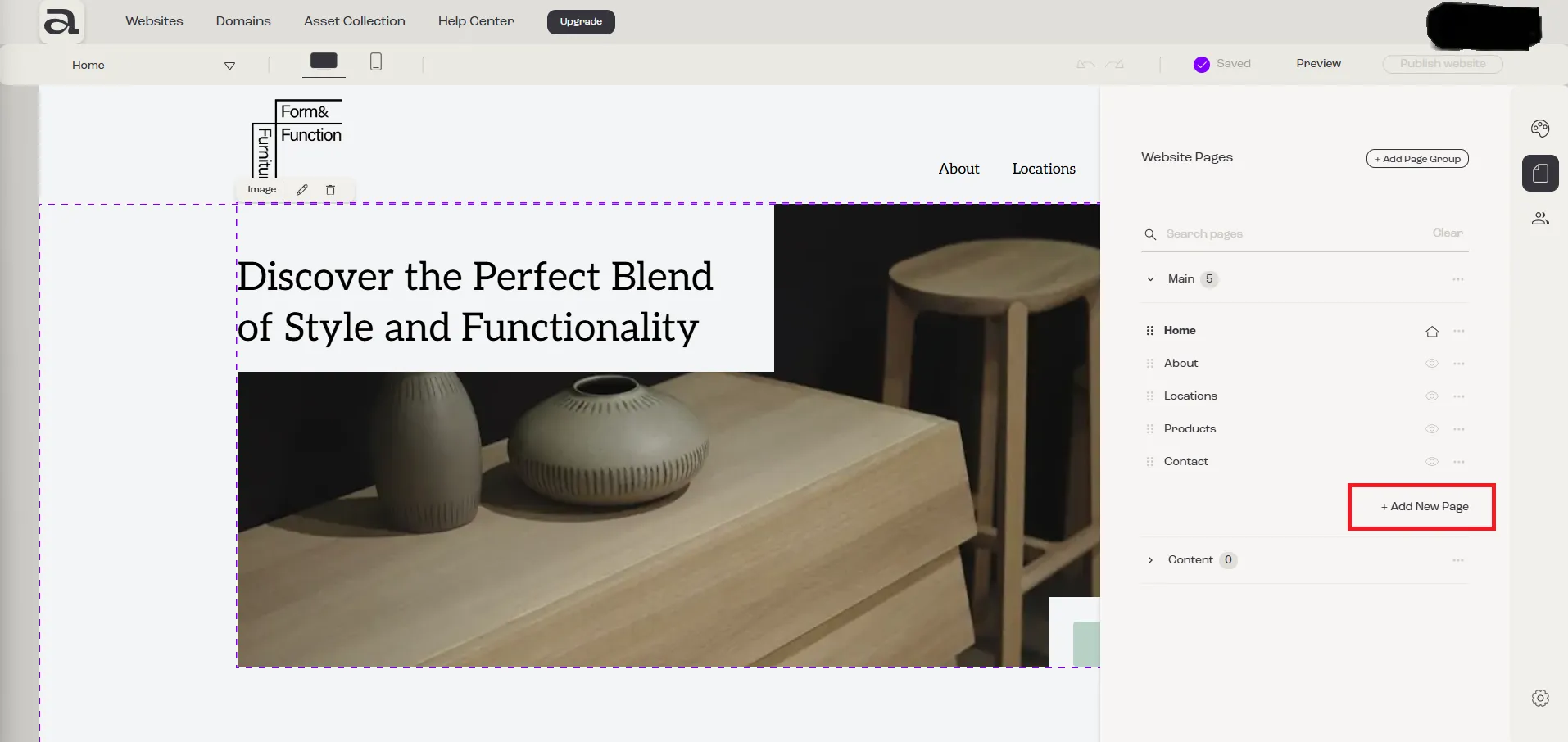
Section titled “Step 1”Click the “Website Pages” button in the sidebar menu.

Step 2
Section titled “Step 2”Choose a page group and click on the “Add New Page” button.
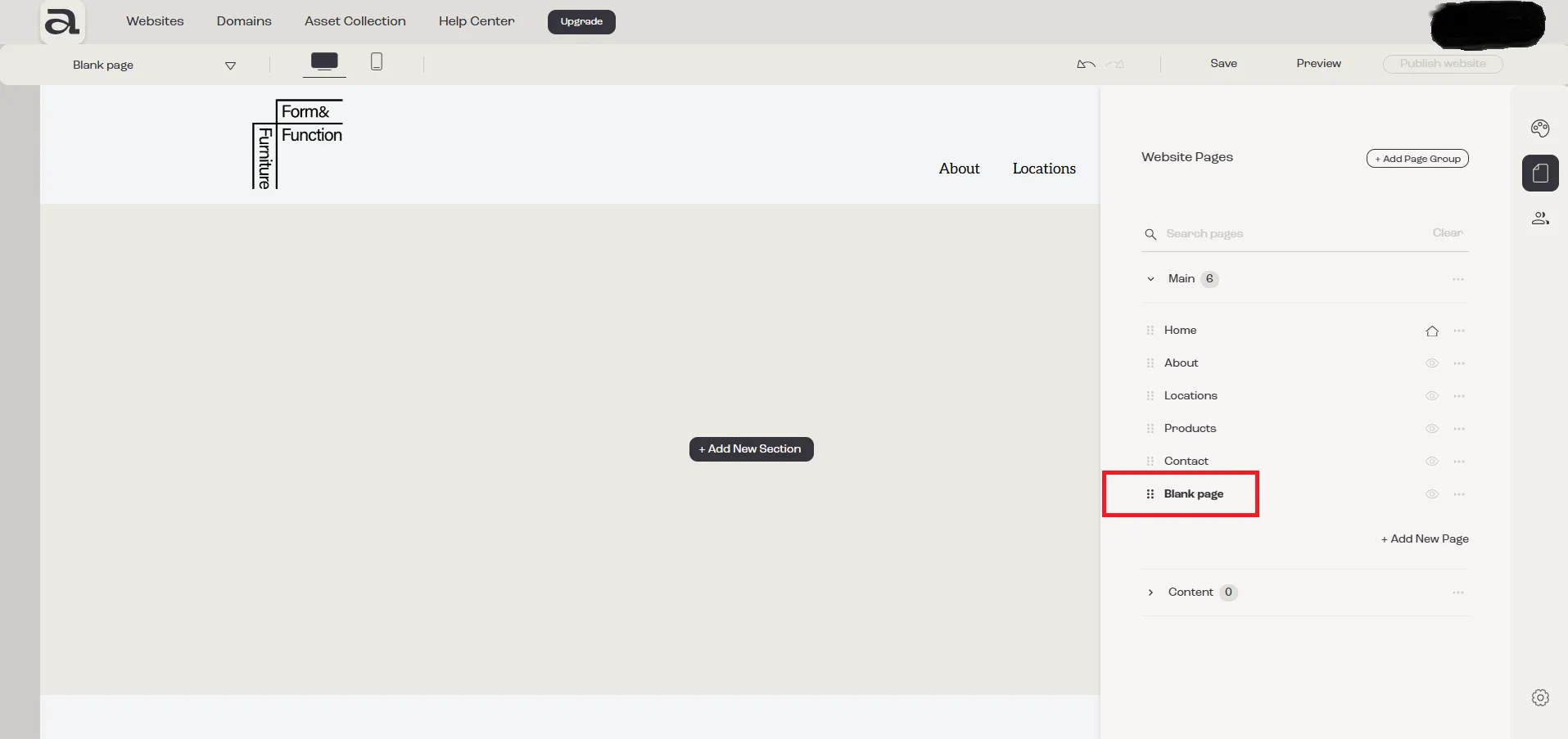
The new page has now been successfully added to your website, and you can start customizing it as needed.
Next steps:
Section titled “Next steps:”- rename page
- add sections to your page
- change page background
- change page SEO settings
- move page to another page group
- delete page
- read more about pages management