

How to sign up with your Google account on Aphyo
Signing up for a new account on Aphyo using your Google account is a straightforward process. This method allows you to use your existing Google credentials to create a new Aphyo account, simplifying the sign-up process and enabling quicker access to Aphyo’s full features and create your website. Follow these steps to get started:
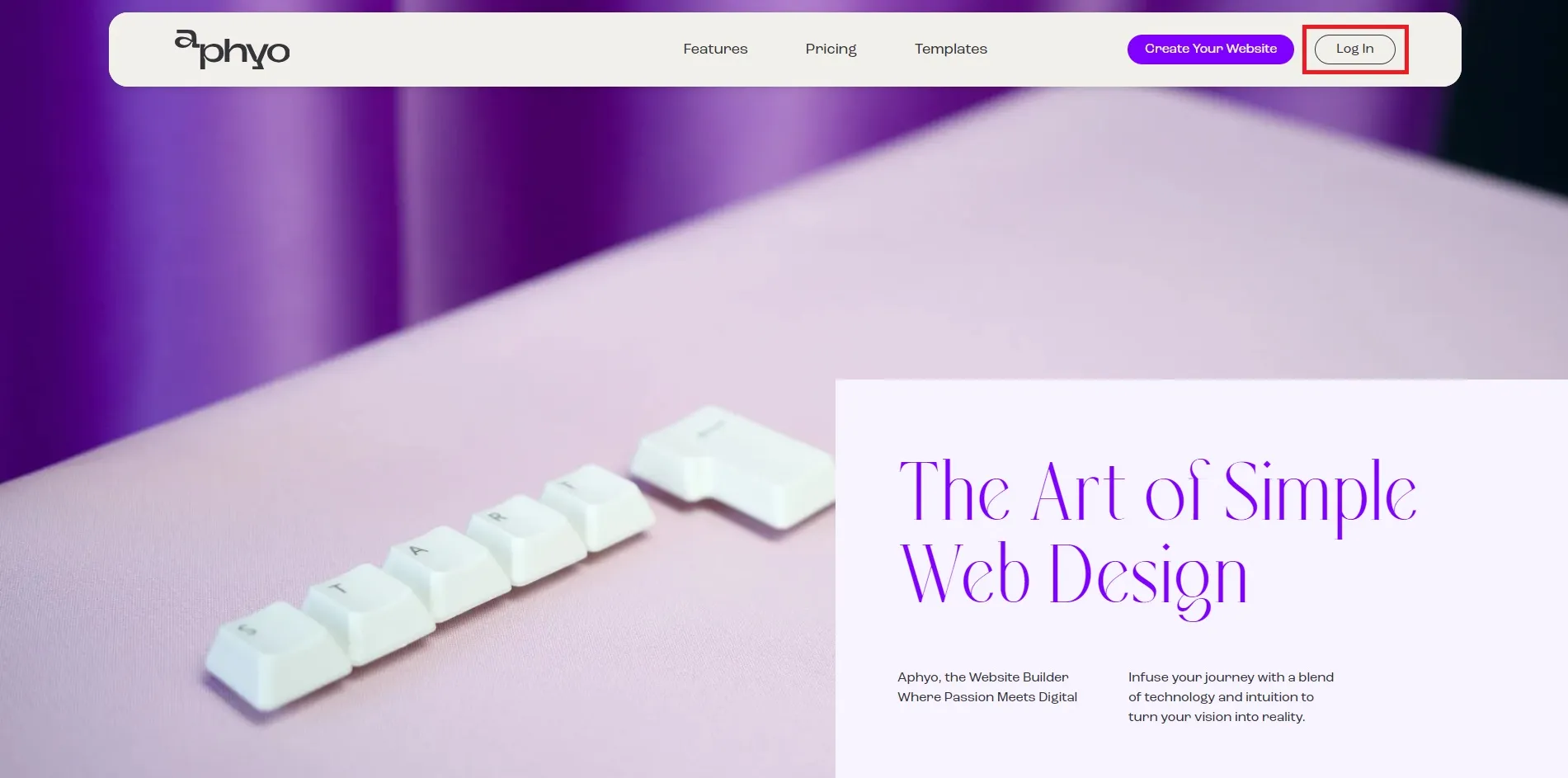
- Click on the Log In button on the first page
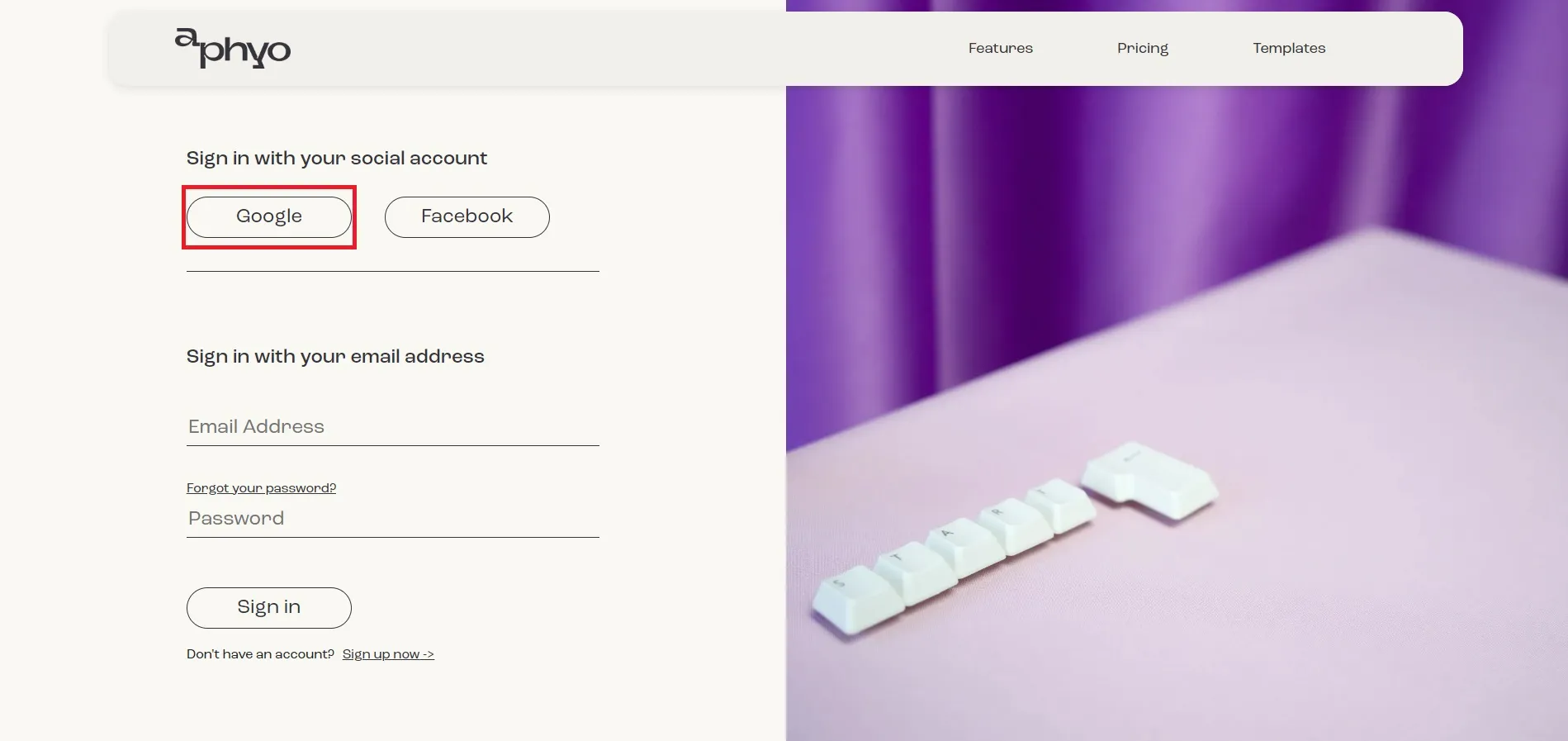
- Choose Google under Sign in with your social account
- You will be redirected to a page where you need to choose the account you want to use or enter your Google credentials
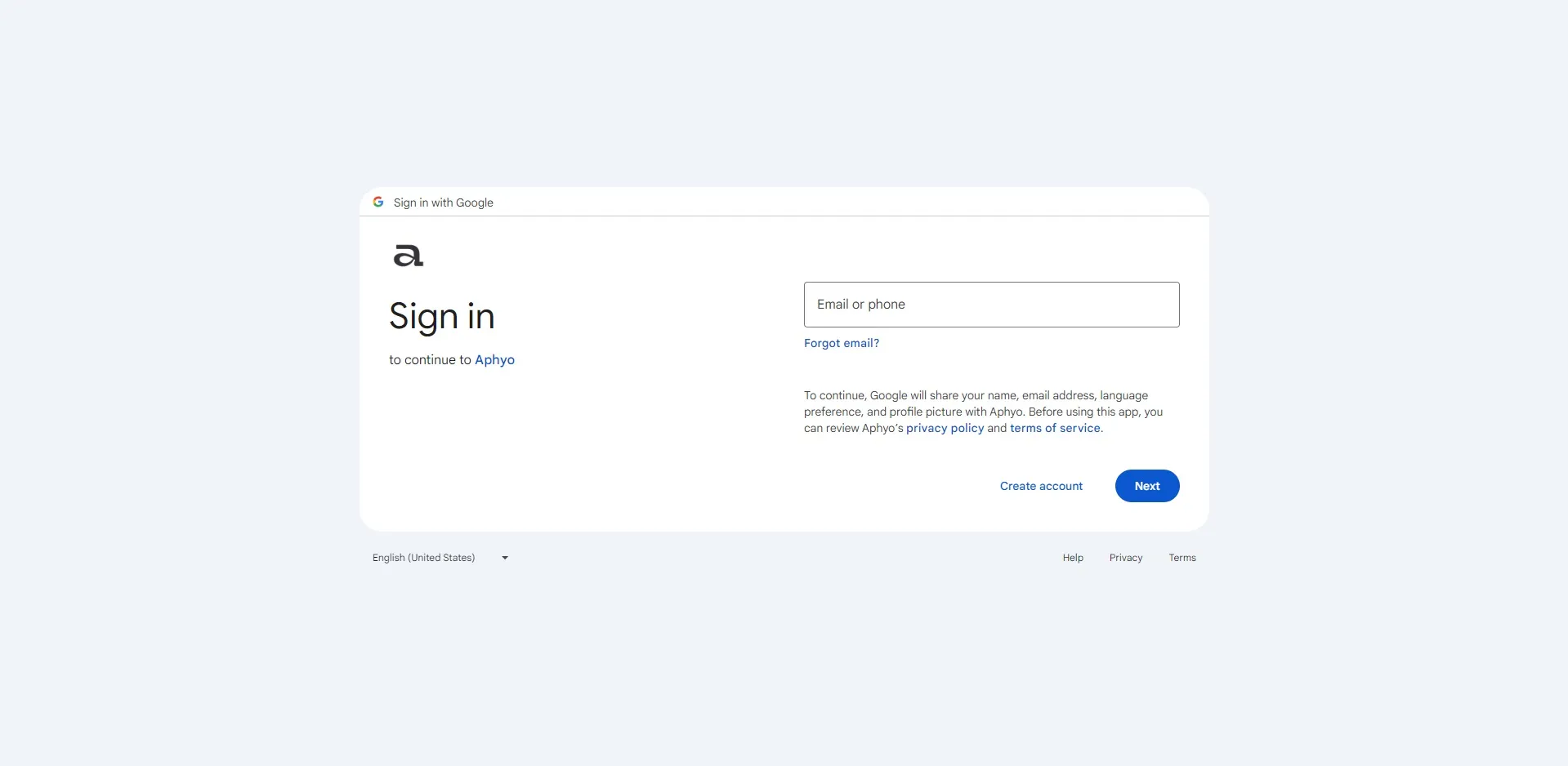
- After filling in your Google credentials you will be redirected to Aphyo’s homepage, where you can see your name in the top right corner
- You are now logged in
Now you can start creating the website that showcases your voice and your passion. Just remember, if you run into any problems during the sign-up process that you cannot resolve, reach out to Aphyo’s customer support for assistance.