

How to change page SEO settings
This article will guide you through the process of changing a page’s SEO settings.
Step 1
Section titled “Step 1”Click the “Website Pages” button in the sidebar menu.

Step 2
Section titled “Step 2”Click on the “More Actions” button next to the page you want to update.

Step 3
Section titled “Step 3”Select “SEO Settings” from the dropdown menu.

Step 4
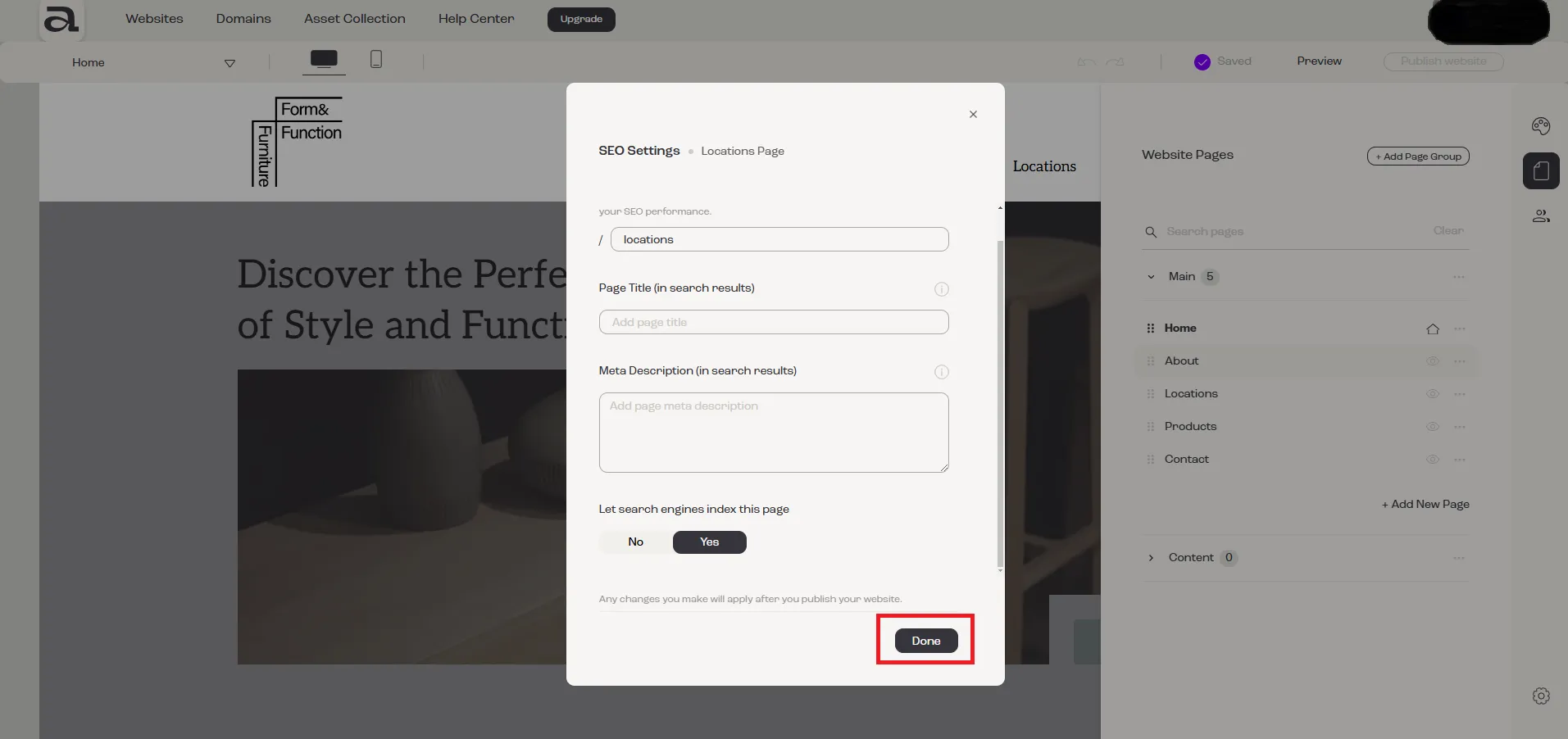
Section titled “Step 4”In the “SEO Settings” menu, you can add or modify the desired SEO configurations. Once you have made your changes, click the “Done” button to save them.
Next Steps
Section titled “Next Steps”- add another page
- rename page
- add sections to your page
- delete page
- read more about pages management