

How to create an account on domains.aphyo.com
In this tutorial, we’ll show you how to create an account on domains.aphyo.com.
Introduction
Section titled “Introduction”Why do I need a separate account on domains.aphyo.com?
Aphyo.com resells domain names from OpenSRS, using their external storefront hosted at domains.aphyo.com.
Because this storefront is managed independently and does not support Single Sign-On (SSO) with the main Aphyo.com platform, a separate account is required to complete domain purchases.
Step 1 - Access the Domains Section
Section titled “Step 1 - Access the Domains Section”Click on the “Domains” button.

Step 2 - Create Your Account
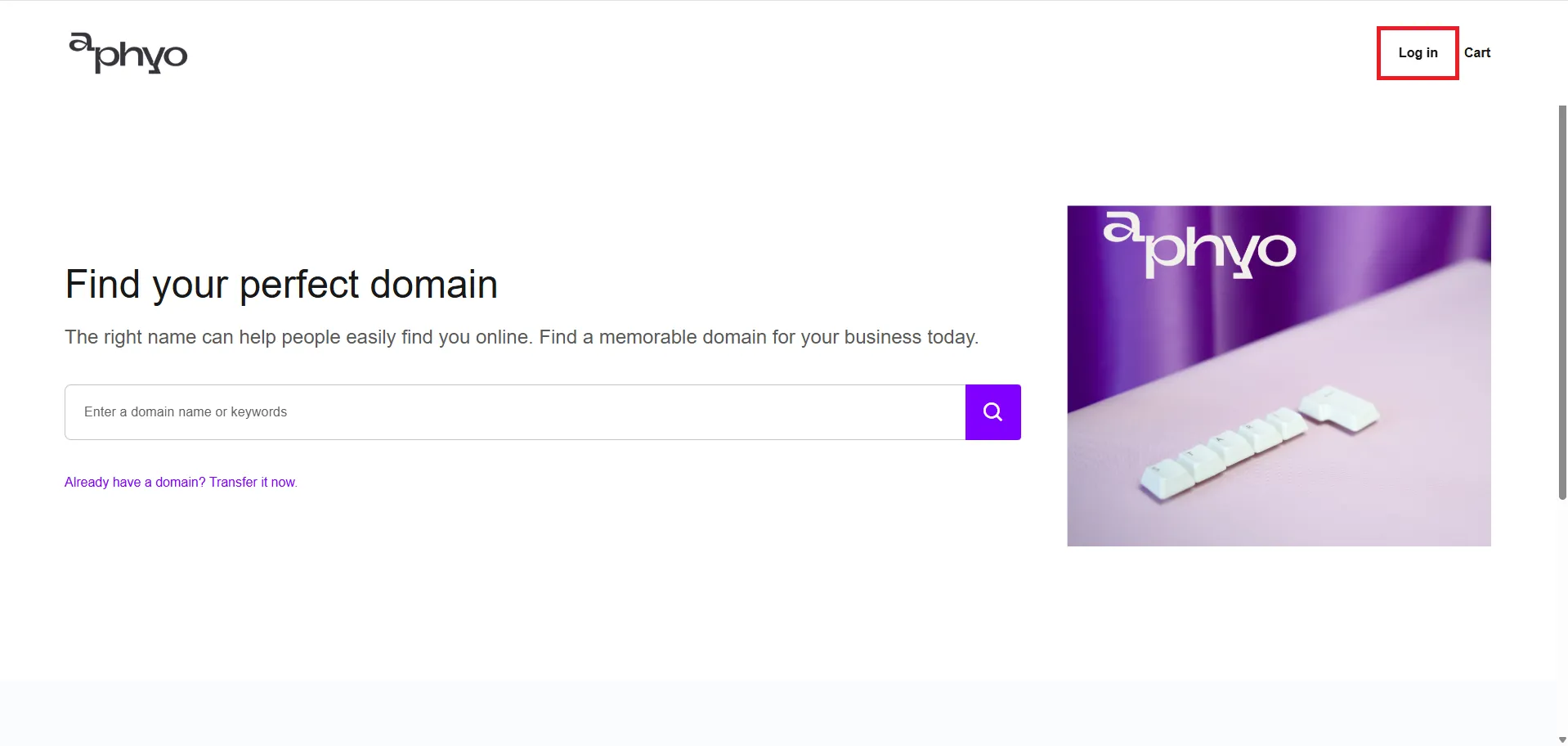
Section titled “Step 2 - Create Your Account”Then click on “Log In”.
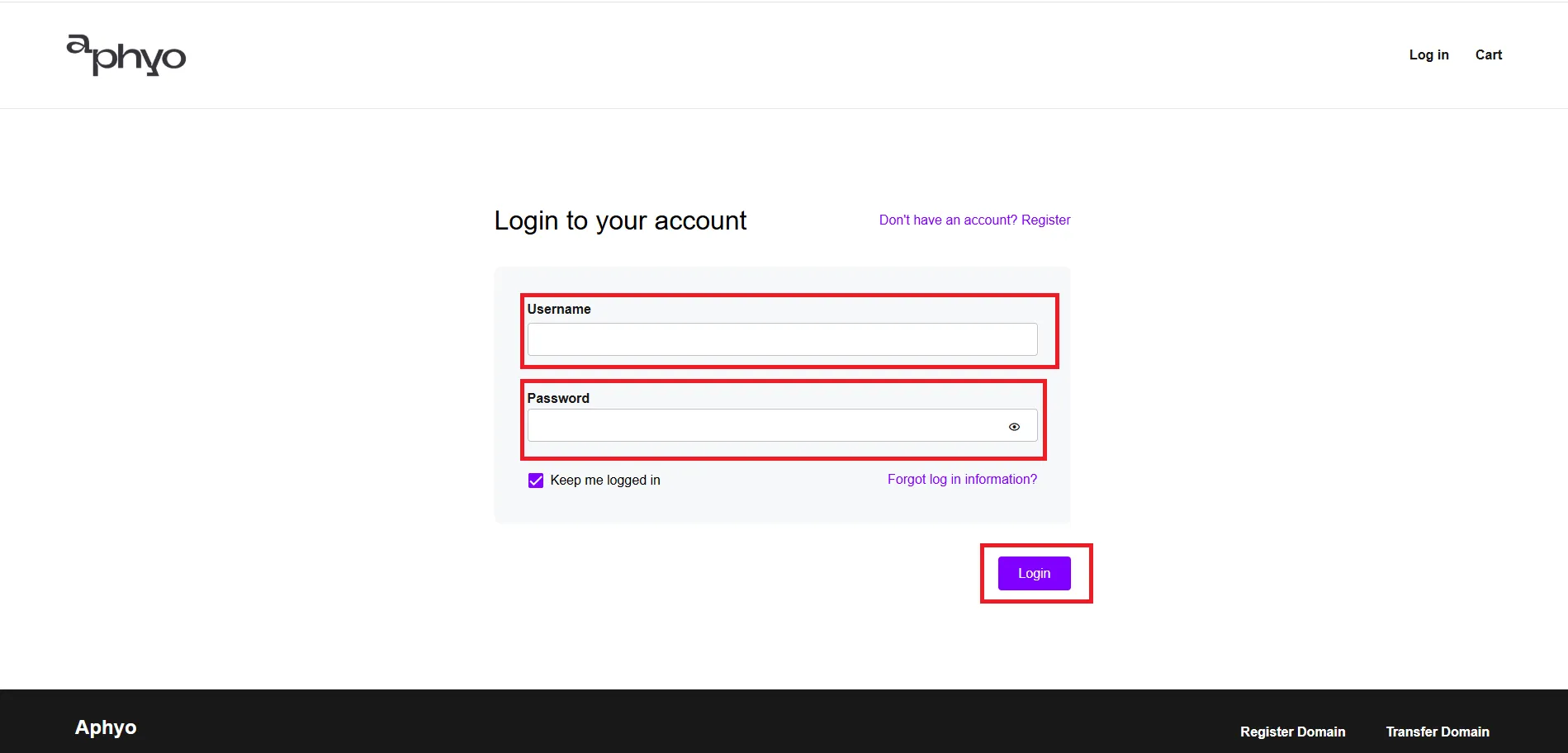
If you already have an account, there is no need to follow this tutorial. You can enter your Username and Password, then click “Login”.
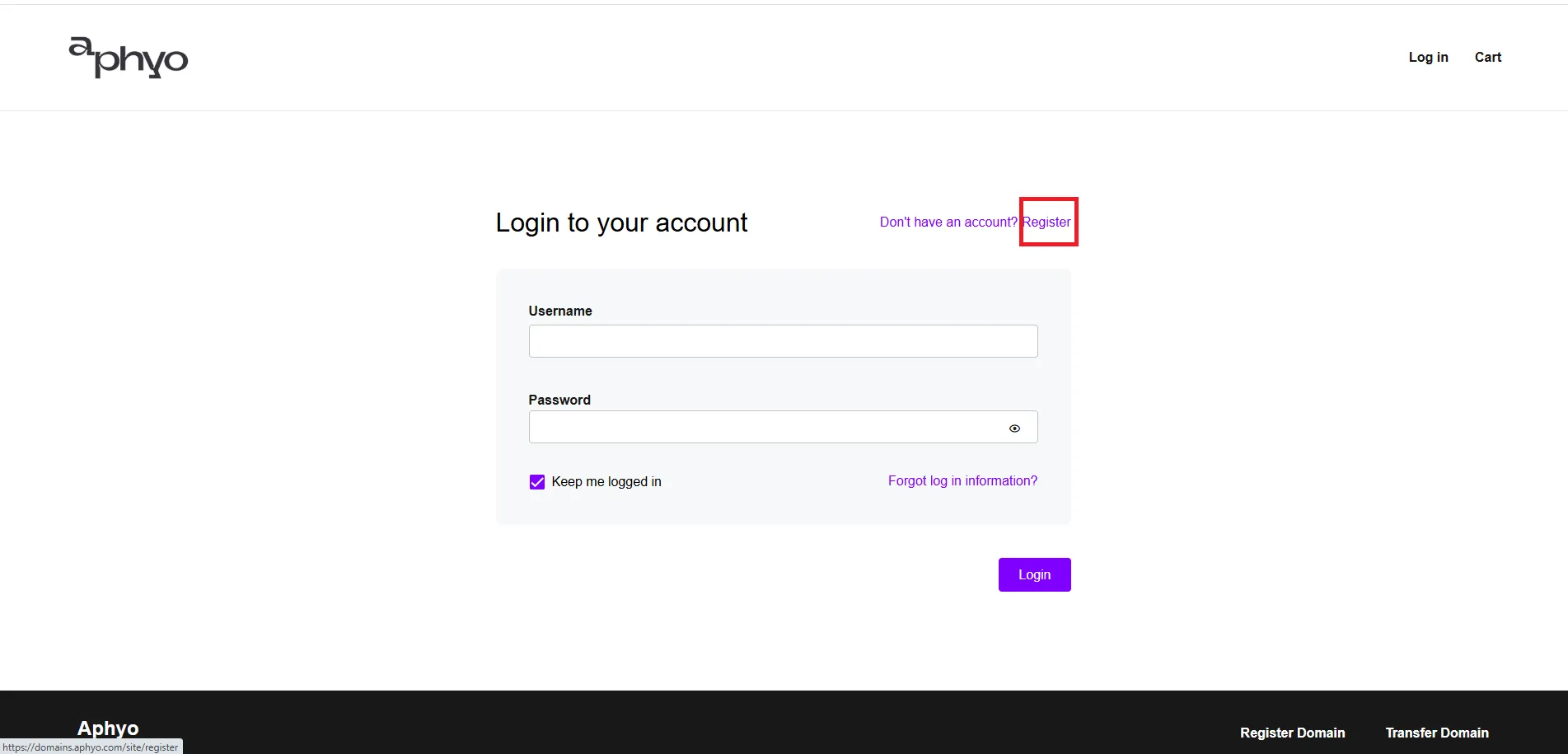
2.1. Click Register
Section titled “2.1. Click Register”If you don’t have an account, click on “Register” to create one.
2.2. Complete the Required Fields
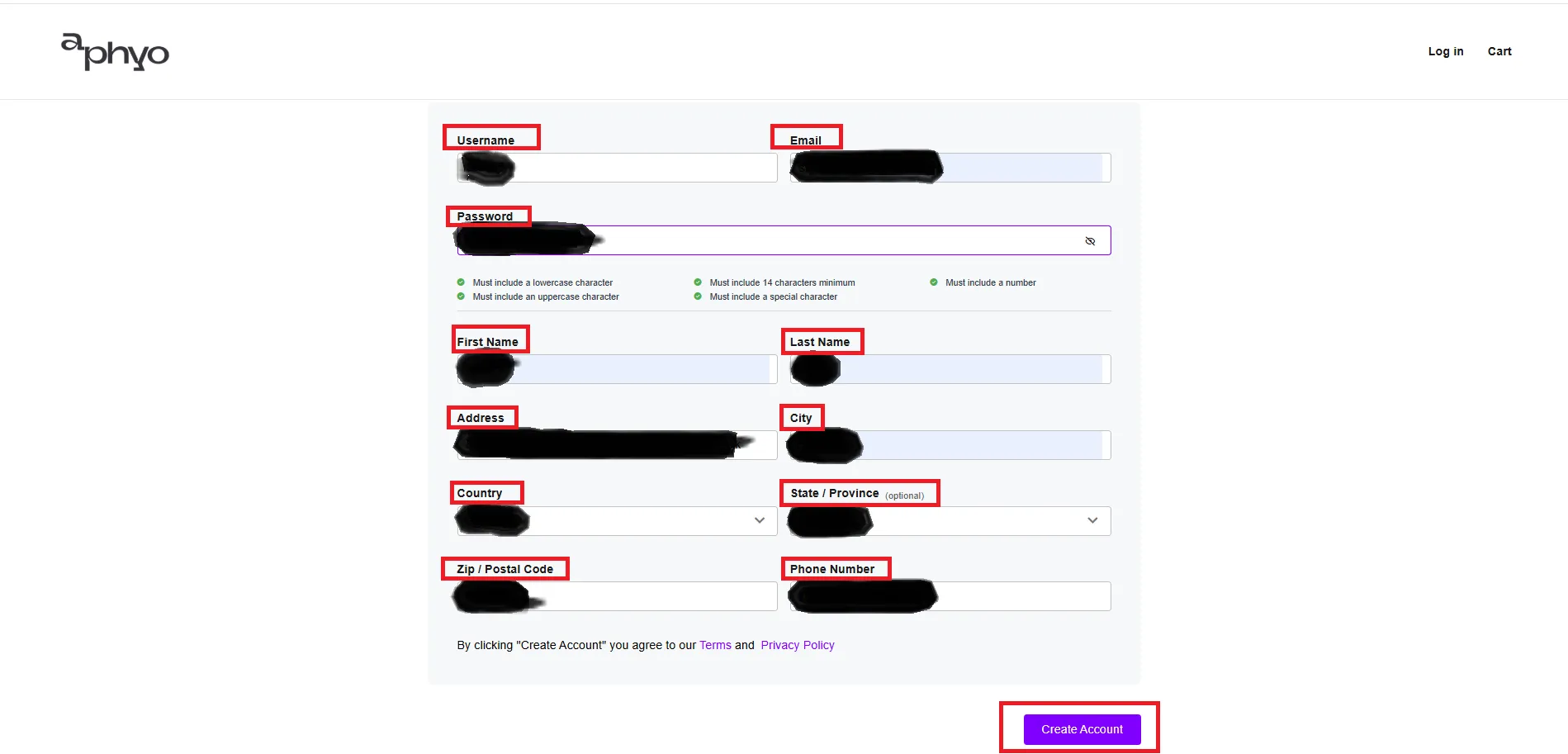
Section titled “2.2. Complete the Required Fields”After clicking “Register”, you’ll be taken to the “Create Your Account” page.
Fill in the required information, then click “Create Account”.
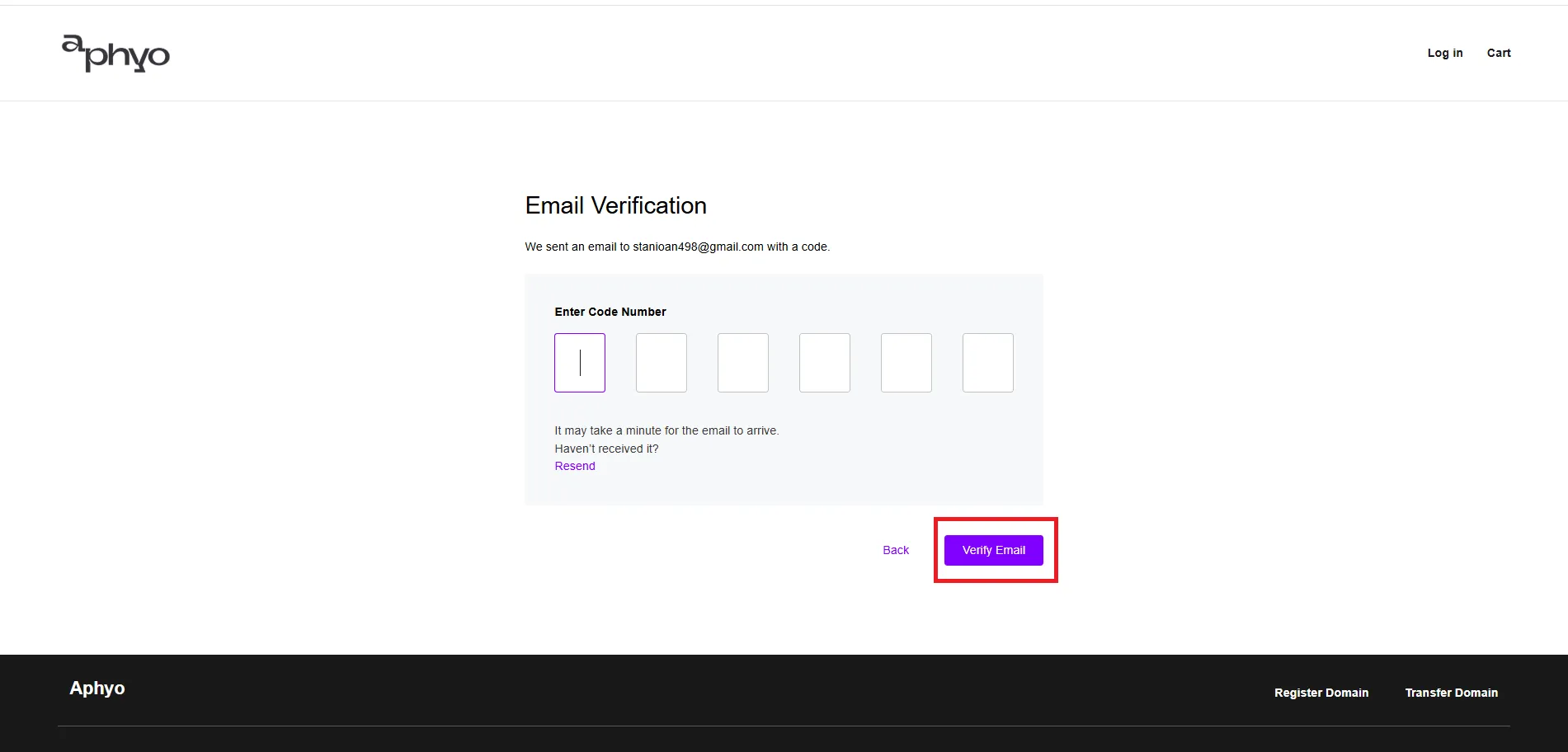
2.3. Email Verification
Section titled “2.3. Email Verification”You’ll receive an email with a verification code.
Once you receive the code, enter it and click “Verify Email”.
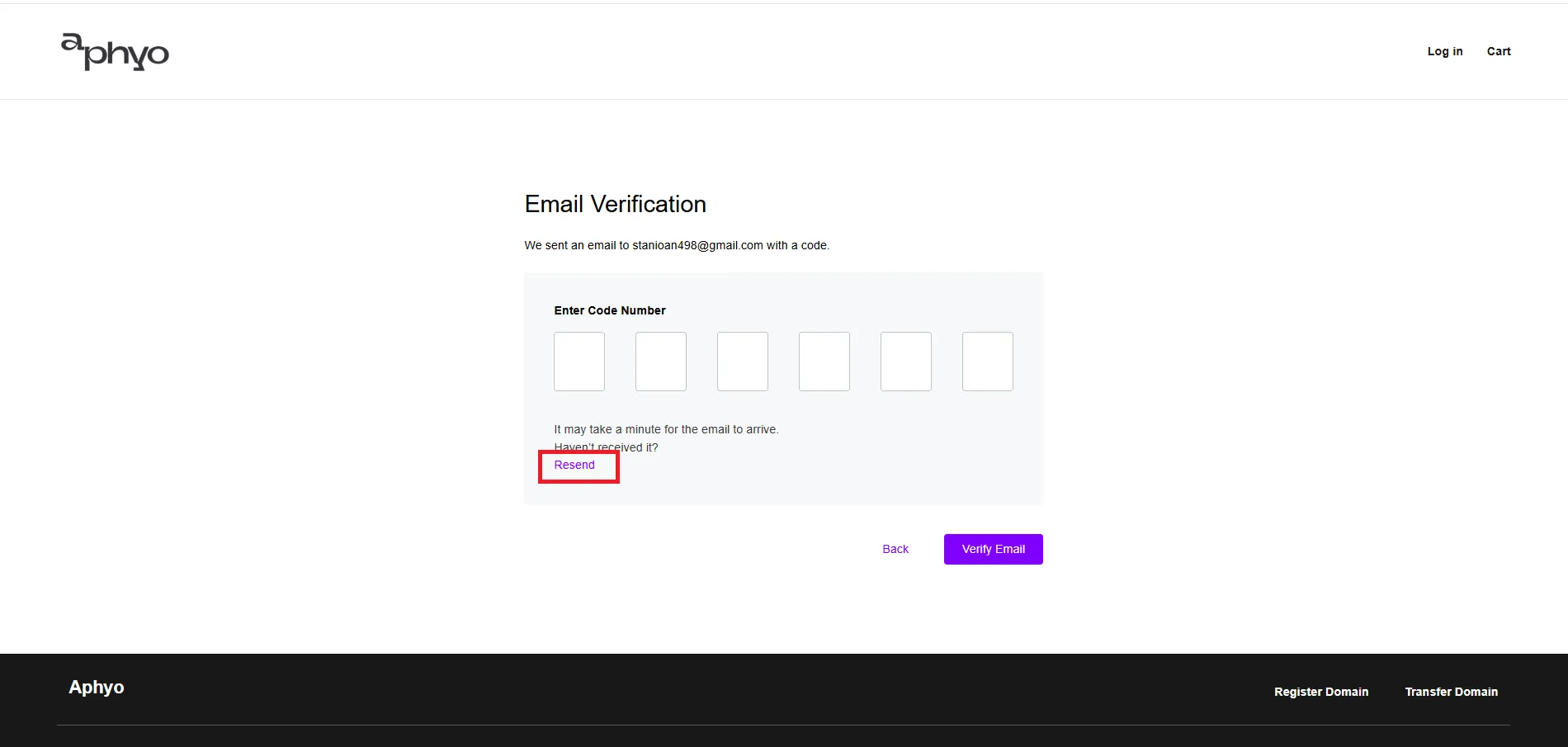
If you don’t receive the code, click “Resend”.
2.4. Log In
Section titled “2.4. Log In”Now you can log in and buy your perfect domain.